
How Designers Make a Music Video with AI Tools in 2026
A room reveal set to a song is one of the most watched formats in home and design content. Here is how a studio or furniture brand plans one with AI video tools, from the track to the final cut.
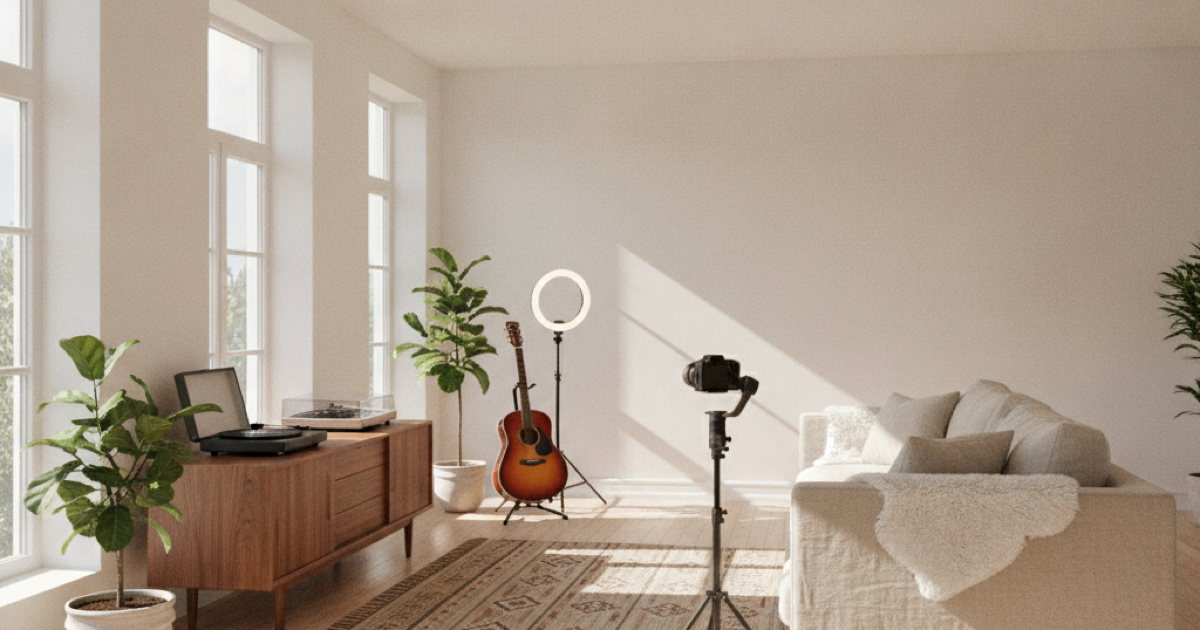
Interior content has always borrowed from music video grammar: a slow push through a doorway timed to the first chorus, a cut on the beat from the empty room to the finished one, a final wide shot held while the track fades. Until recently that meant a crew, a location day and an editor. In 2026 a designer can build the same piece from the renders and staged stills they already have, using AI video tools that take a song as input and plan the shots around it.
This guide is written for that use case: a studio, a furniture brand or a property marketer who wants a room reveal music video rather than a band's promo. The principles are the same ones any music video follows. What changes is that the star of the video is a space.
Start with the song, not the room
A room reveal lives or dies on timing, and timing comes from the track. Before you open any tool, listen through and mark three things on paper: where the energy lifts, where it drops, and how long each section runs. Those marks become your shot list. The lift is where the finished room appears. The drop is where you hold on a detail, such as a stone worktop or the way light falls across a rug.
Use music you have the rights to use. AI music video tools accept a song in several forms. OiiOii, for example, takes an uploaded file, a link to music you already hold on services such as Suno, Udio, SoundCloud, Spotify, Bandcamp or YouTube, or lyrics that it generates a track from. For a brand video, a track generated from your own lyrics or one you have licensed avoids the question entirely.
Pick the mode that suits a space
Music video tools usually offer more than one treatment. On OiiOii there are three modes, and each maps to a different kind of design video:
- Narrative suits a before and after story: a dated kitchen, a week of work compressed into a few shots, a family arriving in the finished room.
- Visual FX suits mood pieces where there is no story to tell, only texture, light and material. It is the natural fit for a collection launch.
- Performance suits videos built around a person: a designer walking a client through the space, or a musician playing in the room you styled.
Decide this deliberately. It shapes every shot that follows, and it is the choice most often left on the default.
Turn your renders into references
The difference between a video that shows your room and one that shows a room like it is the reference set. Current models accept a lot of references in one request: ByteDance's Seedance 2.5 launch post lists up to 30 images, 10 video clips and 10 audio clips per pass. For a designer that means every staged angle of the room, close-ups of the materials that must stay exact, and the track itself can travel together.
Treat the room the way a character designer treats a character. Generate or select one definitive version of each space, then reference that version in every shot. Describing the room afresh in each prompt is how a sofa changes colour between the verse and the chorus. Collov.ai's staging and render tools are a good source for these definitive stills, because they start from the real architecture, and the best virtual staging AI tools now produce stills clean enough to carry a whole video.
Plan shots in seconds, not scenes
Each generated shot on OiiOii runs 4 to 30 seconds at 1080p. A full song is therefore a multi-shot project that the platform assembles for you. Count it out: a two and a half minute track cut at an average of six seconds a shot is about 25 shots. Design content tends to cut slower than a pop video, which keeps the count, and the cost, down.
Choose the aspect ratio before you generate anything. It is set at generation time, not at export, so a widescreen version for your website and a vertical version for social are two productions. Most design brands lead with vertical now and treat widescreen as the second cut.
Let the edit follow the music
Write camera moves the way you would brief an operator on a real shoot: one move per shot, slow, at eye height. A push in during a verse, a lateral slide along a kitchen run during the build, a locked shot with the light changing across the floor during the bridge. Big orbits invite the model to redesign the room.
Audio in these tools is generated with the picture rather than mixed afterwards, and on OiiOii there is no separate volume or mixing stage. If your brand has a fixed audio identity, plan around that from the start. When the video includes a singer or a spoken line, lip sync is automatic, and lyric subtitles can be aligned to the song and then edited for text, font, timing and position.
A workflow for a design studio
- Mark the track. Note each section, its length and where the energy lifts.
- Choose the mode. Narrative for a transformation, Visual FX for a mood piece, Performance for a person in the space.
- Lock the room. One definitive still per space, plus material close-ups, all used as references.
- Write the shot list. One line per shot: section, start frame, camera move, duration.
- Review the plan before generating. Check that the verse and chorus look different and that the hero room lands on the lift.
For the full production walkthrough, including the planning review and assembly, see this guide on how to make a music video with AI tools in 2026.
Where the effort goes
The tools now handle the animation, the assembly and the lip sync. What still decides whether people watch to the end is upstream: a track that suits the space, a room that looks the same in every shot, and cuts that land on the music. Get those three right and a room reveal music video is a day of work rather than a production.
Product details for OiiOii are as published on oiioii.ai and confirmed by the OiiOii team on 14 October 2026.